
What UGREEN Users Say
“Finally a reliable way to sync my iPhone to my new UGREEN DXP4800 Pro. Background sync actually works!”
“Works perfectly with UGOS & UGOS Pro. Faster and more customizable than the native client.”
The Ultimate UGREEN Sync Tool
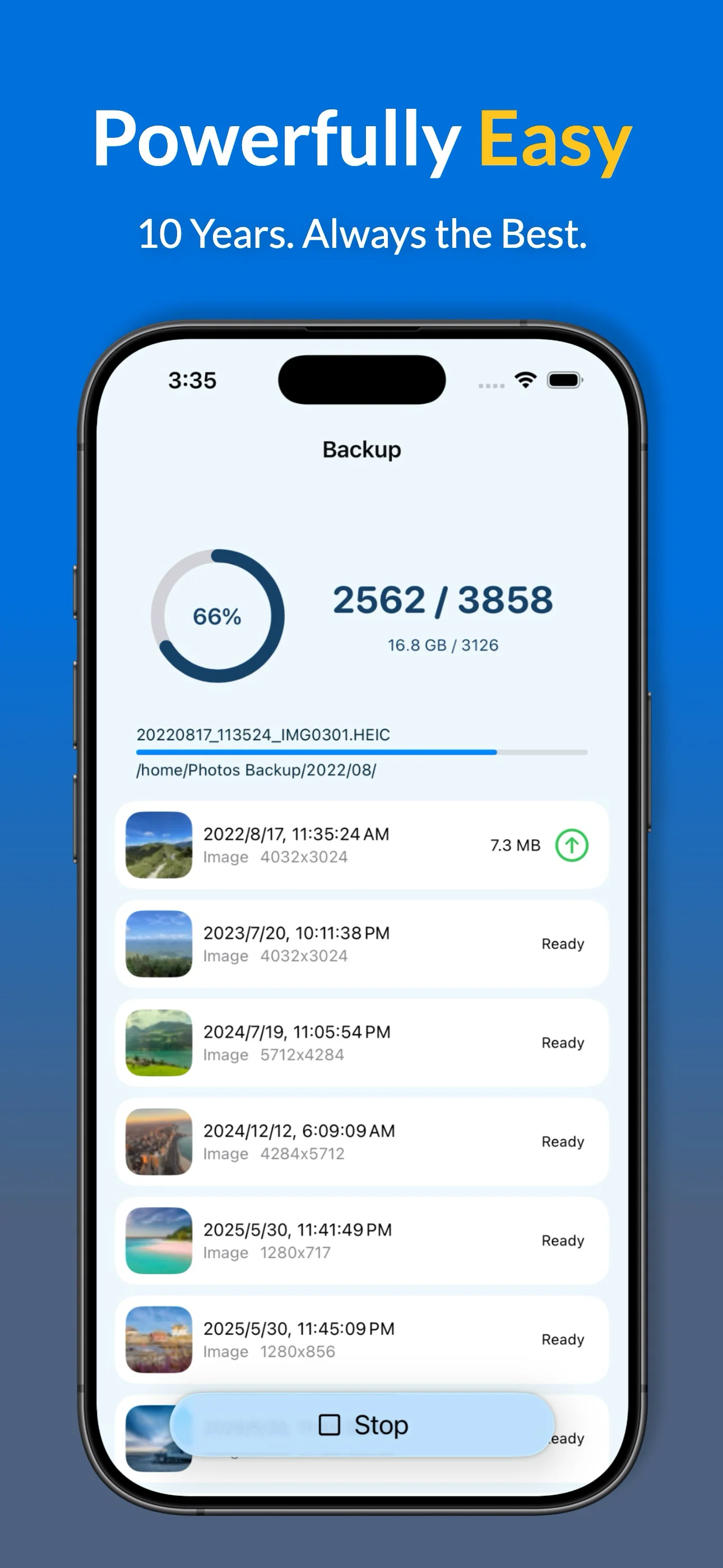
- Background Backup: Smart background processing.
- Automatic Backup: Backs up while you sleep.
- Synchronization: Keep your photos and albums in perfect sync with your NAS.
- Full support for UGREEN UGOS & UGOS Pro via high-speed SMB.
- True background synchronization—set it and forget it.
- Fully compatible with UGREEN DXP2800 / GT, DXP4800 / Plus / Pro / GT, DXP6800 Pro / Ultra, and DXP8800 Plus / Ultra.
- Protect your library on your own private cloud storage.
Key Features for UGREEN Users
- Full Data Export: HEIC, ProRAW, Live Photos, and metadata.
- Smart Filters: Exclude screenshots or specific albums from your NAS backup.
- Album Mapping: Mirror your iPhone favorites and custom albums on your UGREEN NAS folders.
- Backup Insights: Detailed history and statistics for every upload session.
- Storage Management: Verified "Free up space" tool to clear iPhone storage.
* Advanced features available via subscription or lifetime purchase.
Why Professionals Switch from UGREEN Link
| Feature | Photos Backup for NAS | Official UGREEN Link |
|---|---|---|
| Background Sync | ✓ Reliable Persistent Task | Intermittent / iOS Limits |
| Media Support | ✓ HEIC, ProRAW, Live Photos | Standard Formats |
| Folder Structure | ✓ Mirror iPhone Albums to Folders | None |
| Album Mirroring | ✓ Full iOS Album Mapping | Limited |
| Data Privacy | ✓ Direct Local Network Only | UGREEN Account Required |
UGREEN Setup Guide & FAQ
How to Sync iPhone Photos to UGREEN NAS (UGOS / UGOS Pro)
Get your private cloud backup running in four simple steps:
- Enable SMB: Go to UGOS Control Panel > File Services and turn on SMB.
- Connect: Open the app and enter your UGREEN IP address and credentials.
- Initial Sync: Run your first backup in the foreground to process your library.
- Automate: Turn on Automatic Backup for daily automatic updates.
Why choose this over the UGREEN Link app?
Native apps often struggle with background execution. Our solution is purpose-built to ensure your photos transfer even when your phone is in your pocket.
Does it support the latest DXP & DH Series?
Yes! We fully support the entire UGREEN NAS line, including the DXP2800 / DXP2800 GT, DXP4800 / Plus / Pro / GT, DXP480T Plus, DXP6800 Pro / Ultra, DXP8800 Plus / Ultra, and DH series (DH2300 & DH4300 Plus).
Is my data private?
Yes. The app communicates directly with your UGREEN NAS over your local network. Your photos never leave your private ecosystem.
Can I sync multiple iPhones?
Absolutely. You can create dedicated folders for each iPhone in your household on a single UGREEN device.
UGREEN Technical Setup
• Ensure SMB Service is enabled in your UGREEN UGOS Control Panel.
• Optimized for automatic background execution within iOS limits.
• Start your initial bulk photos backup in the foreground for best results.
Ready to Secure Your Photos on Your UGREEN NAS?
