
What UGREEN Users Say
“Finally a reliable way to sync my iPhone to my new UGREEN DXP4800. Background sync actually works!”
“Works perfectly with UGOS. Faster and more customizable than the native client.”
The Ultimate UGREEN Sync Tool
- Background Backup: Smart background processing.
- Automatic Backup: Backs up while you sleep.
- Synchronization: Keep your photos and albums in perfect sync with your NAS.
- Full support for UGREEN UGOS via high-speed SMB.
- True background synchronization—set it and forget it.
- Fully compatible with UGREEN DXP2800, DXP4800 Plus, and DXP6800 Pro.
- Protect your library on your own private cloud storage.
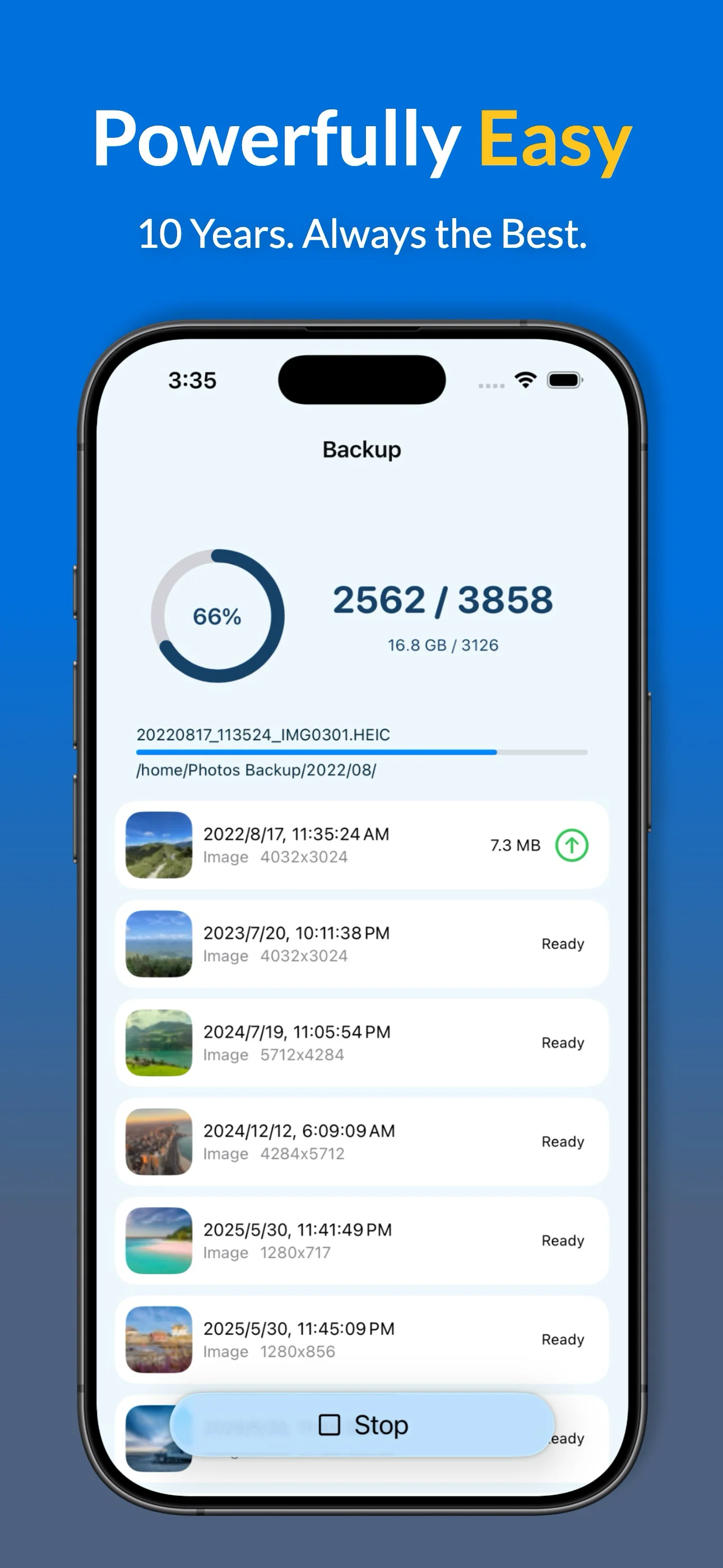
Key Features for UGREEN Users
- Full Data Export: HEIC, ProRAW, Live Photos, and metadata.
- Smart Filters: Exclude screenshots or specific albums from your NAS backup.
- Album Mapping: Mirror your iPhone favorites and custom albums on your Synology folders.
- Backup Insights: Detailed history and statistics for every upload session.
- Storage Management: Verified "Free up space" tool to clear iPhone storage.
* Advanced features available via subscription or lifetime purchase.
Why Professionals Switch from UGREEN Link
| Feature | Photos Backup for NAS | Official UGREEN Link |
|---|---|---|
| Background Sync | ✓ Reliable Persistent Task | Intermittent / iOS Limits |
| Media Support | ✓ HEIC, ProRAW, Live Photos | Standard Formats |
| Folder Structure | ✓ Mirror iPhone Albums to Folders | None |
| Album Mirroring | ✓ Full iOS Album Mapping | Limited |
| Data Privacy | ✓ Direct Local Network Only | UGREEN Account Required |
UGREEN Setup Guide & FAQ
How to Sync iPhone Photos to UGREEN NAS (UGOS)
Get your private cloud backup running in four simple steps:
- Enable SMB: Go to UGOS Control Panel > File Services and turn on SMB.
- Connect: Open the app and enter your UGREEN IP address and credentials.
- Initial Sync: Run your first backup in the foreground to process your library.
- Automate: Turn on Automatic Backup for daily automatic updates.
Why choose this over the UGREEN Link app?
Native apps often struggle with background execution. Our solution is purpose-built to ensure your photos transfer even when your phone is in your pocket.
Does it support the DXP Series?
Yes! We fully support the entire UGREEN DXP line, including the DXP2800, DXP4800, DXP4800 Plus, DXP6800 Pro, and DXP8800 Plus.
Is my data private?
Yes. The app communicates directly with your UGREEN NAS over your local network. Your photos never leave your private ecosystem.
Can I sync multiple iPhones?
Absolutely. You can create dedicated folders for each iPhone in your household on a single UGREEN device.
UGREEN Technical Setup
• Ensure SMB Service is enabled in your UGREEN UGOS Control Panel.
• Optimized for automatic background execution within iOS limits.
• Start your initial bulk photos backup in the foreground for best results.
Ready to Secure Your Photos on Your UGREEN NAS?
