
“Great functionality and works reliably, always. Excellent range of options and super easy to set up. Brilliant.”
Why Thousands of DiskStation Users Trust Our Backup App
“Been using for several years and it works great, background sync actually works!”
Why Choose Our Synology Photo Backup?
- Background Backup: Smart background processing.
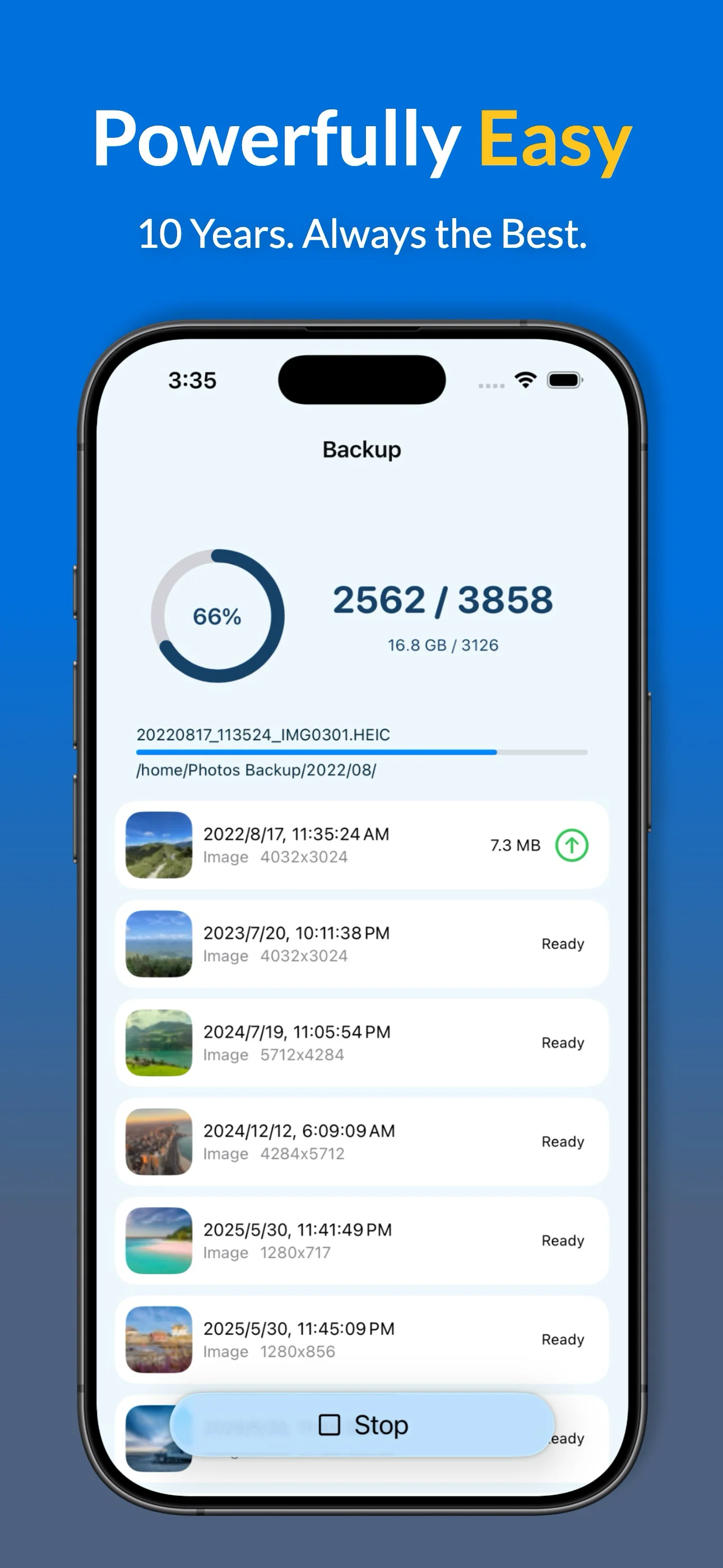
- Automatic Backup: Backs up while you sleep.
- True Synchronization: Keep your photos and albums in perfect sync with your Synology NAS.
- Compatible with DS925+, DS1525+, DS725+, DS425+, and all Synology DiskStation and RackStation models.
- Advanced backup settings for NAS power users and professionals.
- Utilizes the official Synology API for enterprise-grade security.
- Seamless QuickConnect and 2FA (Two-Factor Authentication) support.
Advanced Features for NAS Power Users
- Full Data Export: HEIC, ProRAW, Live Photos, and metadata.
- Smart Filters: Exclude screenshots or specific albums from your NAS backup.
- Album Mapping: Mirror your iPhone favorites and custom albums on your Synology folders.
- Backup Insights: Detailed history and statistics for every upload session.
- Storage Management: Verified "Free up space" tool to clear iPhone storage.
* Some advanced Synology sync features may require a free trial.
Better Backup than DS file
| Capability | Photos Backup for Synology | Synology DS file |
|---|---|---|
| Background Reliability | ✓ True iOS Background Sync | Often stops when app is closed |
| Live Photos & ProRAW | ✓ Full Metadata & Bundle Support | Basic file transfer |
| Sub-folder Organization | ✓ Custom Album-based Mapping | None |
| Smart Filters | ✓ Skip Screenshots & more | None (Uploads everything) |
| Storage Cleanup | ✓ Safe 'Free Up Space' Wizard | Manual Deletion |
| Verification | ✓ Verified "Free Up Space" Tool | Manual check required |
* Stop worrying about your backup stopping halfway. Join thousands of Synology power users.
Synology NAS Setup Guide & FAQ
How to Backup iPhone Photos to Synology NAS
Setting up your private cloud photo backup is simple:
- Connect: Use your NAS IP or QuickConnect ID for remote backup.
- Secure Login: Sign in via official API; we fully support 2FA for enhanced security.
- Initial Sync: Keep the app open for the first bulk upload of your library.
- Enable Automation: Turn on Automatic Backup for hands-off photo protection.
Synology Photos vs. This App?
We focus on reliability and background performance. With 10 years of development, our app provides a more stable sync engine for users who find the native app inconsistent.
Is my Synology data secure?
Absolutely. We use the official Synology API and encrypted connections. No third-party servers ever touch your photos.
My photos are in my iCloud, will they be backed up in full size?
Yes, your NAS backups are always in full size. This app will download and back up your iCloud Photos to your NAS.
How do I save iPhone storage?
Once your photos are safely on the Synology NAS, use our "Free up space" tool to delete the local copies while keeping them secure on your private cloud.
Ready to Secure Your Photos on Your Synology NAS?
