
“Great functionality and works reliably for my QNAP photos backup. Excellent range of options and super easy to set up. Brilliant.”
What Users Say About QNAP Photos Backup
“Finally, a backup solution that works in the background with my QNAP TS-464. Highly recommended.”
Why Choose Our QNAP Sync Solution?
- Background Backup: Smart background processing.
- Automatic Backup: Backs up while you sleep.
- True Synchronization: Keep your photos and albums in perfect sync with your QNAP NAS.
- Advanced settings for QNAP NAS power users and professionals.
- Compatible with TS-464, TS-664, TS-216G, TS-432X, TS-632X, and all QNAP QTS and QuTS hero models.
- Official QNAP API integration for stable and secure data transfers.
- Fully supports secure login with 2FA (Two-Factor Authentication) enabled.
- Option to use high-speed SMB 3.0 local network connection.
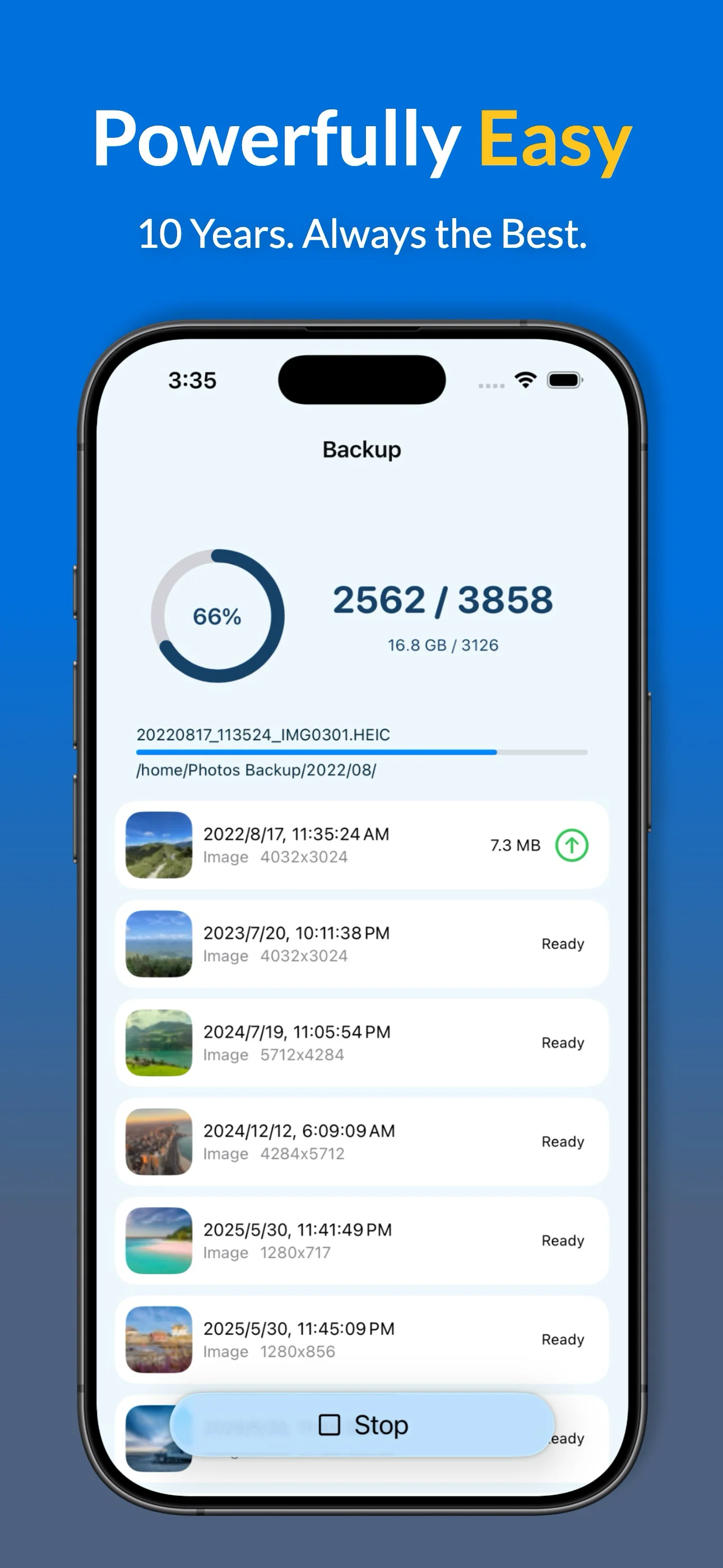
Advanced QNAP Backup Capabilities
🔄 True Background Sync
Leverage native iOS background triggers to keep your QNAP library updated without ever opening the app.
📸 Pro-Grade Formats
Full support for HEIC, ProRAW, and Live Photos. We don't just copy files; we preserve all EXIF metadata and original quality during the QTS transfer.
🛡️ Secure Connectivity
Built using the Official QNAP API. Secure your connection with full 2FA (Two-Factor Authentication) support, ensuring your private memories stay private.
🧹 Storage Optimization
After a verified successful backup to your QNAP NAS, use our Free Up Space tool to safely remove local copies and reclaim gigabytes of iPhone storage.
Precision Controls for Your Library
- Smart Filtering: Automatically exclude screenshots, memes, or specific albums from your QNAP NAS sync.
- Dynamic Album Mapping: Replicate your iPhone's custom album structure directly within your QNAP folder hierarchy.
- Detailed Analytics: Access a comprehensive history of every upload session, including transfer dates and file counts.
- Universal Compatibility: Seamlessly supports both QTS and QuTS hero operating systems.
A Professional Alternative to QNAP Qfile Pro
| Feature | Photos Backup for QNAP | QNAP Qfile Pro |
|---|---|---|
| Background Execution | ✓ Rock-Solid Background Sync | Inconsistent on iOS |
| Transfer Protocol | ✓ High-Performance SMB 3.0 | QNAP API (Web-based) |
| Metadata Handling | ✓ Full Live Photo & ProRAW Support | Basic Photo/Video |
| Folder Structure | ✓ Mirror iPhone Albums to Folders | None |
| Storage Cleanup | ✓ Safe 'Free Up Space' Wizard | Manual Deletion |
| Privacy & Security | ✓ 100% Direct Local Connection | Requires QNAP Cloud ID |
* Optimized for QNAP TS-series and TVS-series NAS devices. No subscription required for basic backup.
Get Started with QNAP Photos Backup
1
Download
Get the app from the App Store to begin your QNAP sync journey.
2
Secure Login
Connect via 2FA to your QNAP QTS or QuTS hero system securely.
3
Map Folders
Select your destination folders and enable Automatic Backup.
4
Sync Active
Run the first backup in the foreground to bypass iOS time limits.
Frequently Asked Questions
Does it support background sync?
Yes. The app uses iOS 26 background task API to initiate background synchronization sessions directly to your QNAP NAS.
Will it preserve my ProRAW files?
Absolutely. All formats, including HEIC, ProRAW, and Live Photos, are backed up with original EXIF metadata.
Is my 2FA account supported?
Yes. We use the official QNAP API to ensure that multi-factor authentication works seamlessly for your security.
Can I delete photos from my iPhone?
Once the app verifies a successful upload to your NAS, you can use the Free Up Space tool to safely reclaim storage.
Ready to Secure Your Photos on Your QNAP NAS?
