
What Our Users Say
“Great functionality and works reliably, always. Excellent range of options and super easy to set up. Brilliant.”
“Been using for several years and this works great.”
The Best ASUSTOR Photo Gallery 3 Alternative
- Background Backup: Smart background processing.
- True Background Sync: Photos upload while you sleep, even if the app isn't active.
- Synchronization: Keep your photos and albums in perfect sync with your NAS.
- ADM Friendly: Works seamlessly with your existing ASUSTOR folder structure.
- All Models Supported: From entry-level series to professional series, including Lockerstor, Drivestor, Nimbustor, Flashstor (AS5404T, AS6704T, AS1204T, FS6712X).
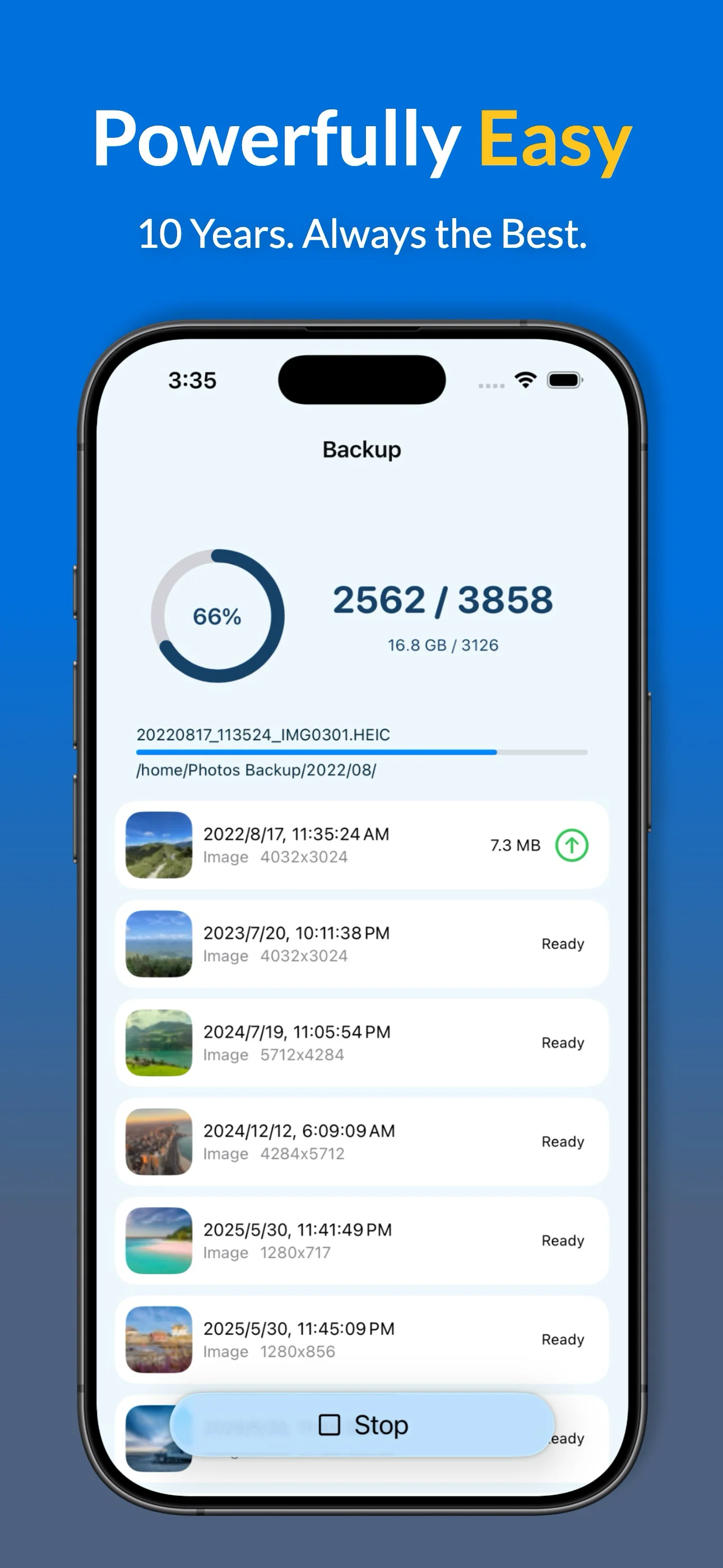
Key Features for All NAS Users
- Full Data Export: HEIC, ProRAW, Live Photos, and metadata.
- Smart Filters: Exclude screenshots or specific albums from your NAS backup.
- Album Mapping: Mirror your iPhone favorites and custom albums on your Synology folders.
- Backup Insights: Detailed history and statistics for every upload session.
- Storage Management: Verified "Free up space" tool to clear iPhone storage.
** Some advanced features are available with a free trial.
How We Compare to Native NAS Apps
| Feature | Photos Backup for NAS | Native NAS Apps |
|---|---|---|
| Background Sync | Optimized & Reliable Engineered for 10 years to stay active. |
Frequent Pauses Often stops when app is closed. |
| Setup Complexity | Easy to Use One-page SMB configuration. |
Complex Requires specific proprietary services. |
| Live Photos & HEIC | Full metadata & format preservation. | Standard support. |
| Album Mapping | Mirror iOS albums directly to NAS folders. | Limited or manual organization. |
Setup Guide & FAQ
Backing up to your ASUSTOR Private Cloud takes less than 2 minutes:
- Enable SMB: Go to ADM > Services > SMB and ensure it is enabled.
- Connect: Enter your ASUSTOR's local IP or server name.
- Sync: Select your destination folder on the NAS and start your secure backup.
Why use this over NAS's native apps?
Unlike native apps, our solution is refined for a decade to provide a more stable background synchronization experience and supports multiple NAS brands simultaneously.
Does it support Album and Favorite syncing?
Yes. The app synchronizes your existing iOS photo structure, including your custom albums and favorite tags, directly to your NAS.
How do I free up iPhone storage?
After a successful backup, you can use the built-in "Free up space" tool to safely remove backed-up photos from your device while keeping them safe on your NAS.
Which NAS models are compatible?
The app works with any device supporting the SMB protocol, including Lockerstor, Drivestor, Nimbustor, or Flashstor.
Ready to Secure Your Photos on Your NAS?
